Poshan Tracker Calculator Height Weight: The Complete 2026 Guide
TL;DR: The Poshan Tracker Calculator is a free online tool (with an app version) that tells you whether a child’s growth is on track by comparing their height and weight against WHO Child Growth Standards. Enter the child’s date of birth, gender, height, and weight, and the calculator instantly flags stunting, wasting, or underweight status using WHO Z-scores. It takes under a minute, needs no login for the basic online version, and is used by Anganwadi workers and parents across India under the POSHAN Abhiyaan mission.
Tracking a child’s growth shouldn’t require a medical degree. The Poshan Tracker Calculator Height Weight tool was built to take two simple numbers — height and weight — and turn them into a clear, color-coded answer about a child’s nutrition status. This guide covers exactly what the calculator does, how to use it correctly, how to read your result, and where to get the Poshan Tracker Calculator Height Weight App for download.
What Is the Poshan Tracker Calculator?
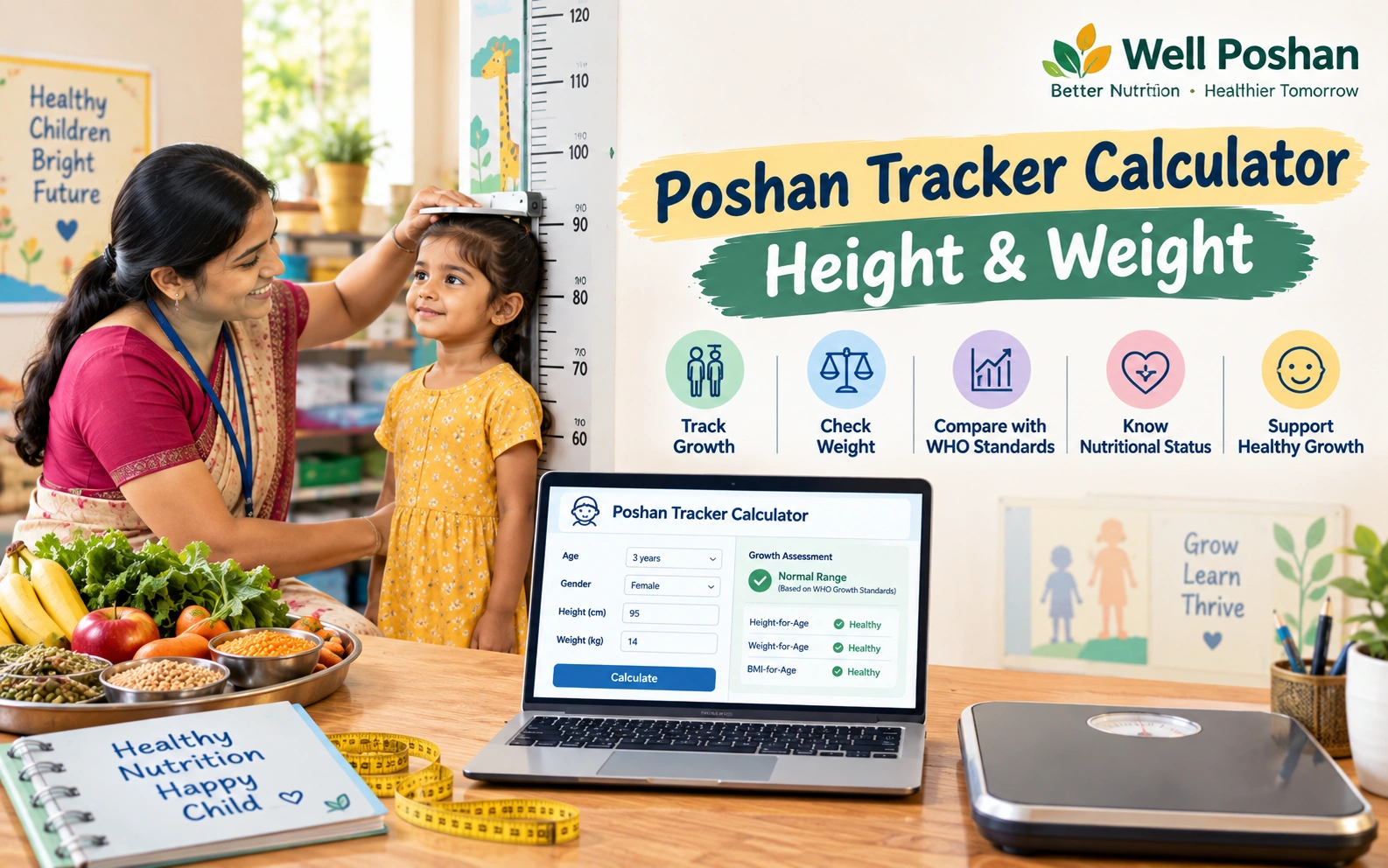
The Poshan Tracker Calculator is a growth-assessment tool built into India’s official Poshan Tracker platform, run by the Ministry of Women and Child Development under the POSHAN Abhiyaan (National Nutrition Mission). Its job is simple: take a child’s age, gender, height, and weight, and use these measurements to assess growth against relevant standards. This is why people often search for Poshan Tracker Calculator Height Weight when they want to understand how a child’s measurements are evaluated.
Instead of manually cross-checking a paper WHO growth chart — which is slow and easy to get wrong — the calculator does the math for you and returns one of a few clear categories: Normal, Underweight, Stunted, Wasted, or Severely Malnourished.
It’s used in two main settings:
- Anganwadi Centres (AWCs): Anganwadi Workers (AWWs) use it every month to screen the children registered under ICDS/Anganwadi Services.
- Parents and caregivers: Anyone can use the public calculator to get a quick, informal read on their own child’s growth between clinic visits.
How the Calculator Works: The WHO Z-Score Explained
The calculator doesn’t just compare a child’s weight to an “average” number — that alone tells you very little, because a healthy weight looks different at every age and for every height. Instead, it uses the WHO Child Growth Standards (2006), the same reference data pediatricians use worldwide, to evaluate the child’s height and weight and calculate a Z-score. This is the key reason the Poshan Tracker Calculator Height Weight check is more useful than simply comparing a child’s weight with an average figure.
A Z-score simply measures how far a child’s measurement sits from the median (typical) value for children of the same age and gender — measured in standard deviations.
| Z-Score Range | What It Means |
|---|---|
| -2 to +2 | Normal, healthy range |
| Below -2 | Moderate deficit (e.g., moderately underweight/stunted/wasted) |
| Below -3 | Severe deficit — needs urgent medical attention |
| Above +2 | Overweight risk (for weight-based indicators) |
The calculator applies this scoring to three separate indicators, because a child can look “fine” on one measure and still be flagged on another:
- Weight-for-Age → identifies underweight
- Height-for-Age → identifies stunting (chronic, long-term undernutrition)
- Weight-for-Height → identifies wasting (acute, short-term undernutrition, classified further as SAM or MAM)
What You Need Before You Start
Keep these four details ready — accuracy here directly affects accuracy of the result:
- Child’s date of birth (age in months matters more than years for under-5s)
- Gender (boy/girl — WHO charts differ by sex)
- Height or length in centimeters (length lying down for under-2s, standing height after 2 years)
- Weight in kilograms, ideally on a calibrated scale, with minimal clothing
How to Use the Poshan Tracker Calculator (3 Free Steps)
Step 1: Gather Accurate Measurements
Measure weight on an empty stomach if possible, with the child in light clothing and no shoes. Measure height/length on a flat surface using a stadiometer or measuring tape — a few millimeters of error can shift the result by a full category, so take the measurement twice and use the average.
Step 2: Enter the Details Online or in the App
Open the official calculator at poshantracker.in/ptcalculator (no login needed for a one-off check), or open the Poshan Tracker Calculator app if you already have it installed. Enter the child’s date of birth, gender, height, and weight exactly as measured. Double-check the units — the tool expects centimeters and kilograms, not inches or pounds.
Step 3: Read and Act on Your Result
The calculator instantly displays a nutrition status with a color code (commonly green/yellow/orange/red depending on the version). Green means the child is tracking normally. Anything flagged yellow, orange, or red is a signal to consult an Anganwadi worker, ANM, or pediatrician — not a diagnosis on its own.
Understanding Your Result: Stunting, Wasting & Underweight
| Indicator | What It Measures | Mild/Moderate | Severe |
|---|---|---|---|
| Underweight (Weight-for-Age) | Overall body weight relative to age | Weight below -2 Z-score | Weight below -3 Z-score |
| Stunting (Height-for-Age) | Long-term, chronic undernutrition affecting height | Height below -2 Z-score | Height below -3 Z-score |
| Wasting (Weight-for-Height) | Acute, recent weight loss relative to height | MAM (Moderate Acute Malnutrition) | SAM (Severe Acute Malnutrition) |
A child can be stunted but not wasted, wasted but not underweight, or flagged on all three — which is exactly why the calculator checks each indicator separately rather than giving one blended score.
WHO Height & Weight Reference Chart (Median Values)
These are approximate WHO Child Growth Standards median (50th percentile) figures — the calculator uses the full percentile curve, not just this midpoint, so treat this table as a quick reference rather than a pass/fail line.
| Age | Boys — Weight | Boys — Height | Girls — Weight | Girls — Height |
|---|---|---|---|---|
| Birth | 3.3 kg | 49.9 cm | 3.2 kg | 49.1 cm |
| 6 months | 7.9 kg | 67.6 cm | 7.3 kg | 65.7 cm |
| 1 year | 9.6 kg | 75.7 cm | 8.9 kg | 74.0 cm |
| 2 years | 12.2 kg | 87.1 cm | 11.5 kg | 85.7 cm |
| 3 years | 14.3 kg | 96.1 cm | 13.9 kg | 95.1 cm |
| 4 years | 16.3 kg | 103.3 cm | 16.1 kg | 102.7 cm |
| 5 years | 18.3 kg | 110.0 cm | 18.2 kg | 109.4 cm |
A child sitting a little above or below these numbers isn’t automatically a cause for concern — the calculator’s Z-score output, not this table, is the number to act on.
Poshan Tracker Calculator Height Weight App: Free Download Guide
The Official Poshan Tracker App
The official Poshan Tracker app was launched by the Ministry of Women and Child Development on 1 March 2021, built by the National e-Governance Division (NeGD). It’s available on the Google Play Store and is primarily designed for Anganwadi Workers to log attendance, nutrition distribution, and growth data for registered beneficiaries in real time. Most of its features sit behind an authorized worker login, though its calculator logic is the same WHO-based engine used on the public website.
Independent Poshan Calculator Apps for Parents
Alongside the official app, several independent developers have published standalone “Poshan Calculator” apps on the Play Store that use the same public WHO Child Growth Standards formulas — useful if you just want a quick offline height/weight check without needing an Anganwadi login. Before downloading any of these:
- Check the developer name and read count/reviews — stick to apps with transparent developer details.
- Confirm it states it uses WHO 2006 Child Growth Standards (this is the correct, current reference).
- Avoid apps or websites asking for excessive permissions or personal documents just to run a growth check.
- When in doubt, use the official calculator at poshantracker.in directly — it needs no download at all.
Poshan Tracker Calculator Height Weight Download: Online vs. App
| Feature | Online Calculator | Mobile App |
|---|---|---|
| Login required | No (public tool) | Yes, for the official Anganwadi version |
| Works offline | No | Yes (most standalone apps) |
| Best for | One-off checks | Anganwadi workers tracking many children |
| Data saved | Not by default | Yes, with profile history and PDF reports |
| Download needed | No | Yes |
If you only need to check one child occasionally, the online version is faster. If you’re tracking growth for multiple children over months — as Anganwadi workers do — an app with saved profiles is more practical.
Who Should Use This Calculator?
- Parents and caregivers wanting a quick, informal read on their child’s growth between doctor visits
- Anganwadi Workers (AWWs) conducting monthly growth monitoring under ICDS
- ASHA/ANM health workers doing field-level screening
- Students and researchers studying child nutrition indicators under POSHAN Abhiyaan
Common Mistakes That Skew Results
- Entering age in years when the tool expects months (especially under age 2)
- Measuring height with shoes on or hair styled up
- Using a weighing scale that hasn’t been zeroed or calibrated
- Selecting the wrong gender by mistake
- Treating a single reading as a final verdict instead of tracking the trend over months
Limitations of the Calculator
The Poshan Tracker Calculator is a screening tool, not a diagnostic one. It’s worth keeping three things in mind:
- It only looks at height and weight. It does not check anemia, immunization status, or developmental milestones — those are tracked separately in the broader Poshan Tracker system.
- One reading isn’t the full picture. A single result can be affected by a recent illness, a measurement slip, or a growth spurt. Growth trend over several months matters more than any one number.
- It doesn’t replace a health worker’s judgment. A red or orange flag is a prompt to consult an Anganwadi worker or pediatrician, not a standalone diagnosis.
Glossary On Poshan Tracker Calculator Height Weight
Z-Score: A statistical measure of how far a value is from the average, in standard deviations — used here to compare a child’s measurement to the WHO reference median.
Stunting: Low height-for-age, reflecting chronic, long-term undernutrition.
Wasting: Low weight-for-height, reflecting acute, recent weight loss.
Underweight: Low weight-for-age, a combined indicator of both stunting and wasting.
SAM/MAM: Severe/Moderate Acute Malnutrition — the two severity tiers of wasting.
MUAC: Mid-Upper Arm Circumference, a separate quick-screening measurement sometimes used alongside height/weight.
AWC/AWW: Anganwadi Centre / Anganwadi Worker — the frontline unit and staff delivering ICDS services.
FAQs About Poshan Tracker Calculator Height Weight
Q1. What is the Poshan Tracker Calculator used for?
It checks whether a child’s height and weight fall within a healthy range for their age and gender, using WHO growth standards, and flags stunting, wasting, or underweight status.
Q2. Is the Poshan Tracker Calculator free to use?
Yes. The online version at poshantracker.in needs no payment or login for a basic check, and the Play Store apps built on the same standards are free to download.
Q3. Can I use it for adults, not just children?
The core stunting/wasting/underweight classification is built for children (0–5 years, extendable to school-age children). Some independent apps add a separate adult BMI calculator as a bonus feature, but that’s a different formula from the child growth Z-score.
Q4. What should I do if my child’s result shows red or orange?
Don’t panic from one reading alone. Visit your local Anganwadi worker, ASHA worker, or pediatrician for a proper check and, if needed, a repeat measurement and follow-up plan.
Q5. Is one calculator reading enough to judge my child’s nutrition?
No. A single result is a snapshot. Health workers look at growth trends across multiple months to tell the difference between a temporary dip and a genuine concern.
Q6. Does the calculator also check for anemia or vitamin deficiency?
No. It’s strictly a height/weight growth screener. Anemia and micronutrient status are tracked through separate health checks under the Poshan Tracker system.
Q7. Where can I download the Poshan Tracker Calculator app?
The official Poshan Tracker app is on the Google Play Store, published by the Ministry of Women and Child Development. Independent WHO-standard calculator apps are also available on the Play Store for parents who want an offline, login-free option.
Sources & Methodology
This article draws on the WHO Child Growth Standards (2006), publicly available information on the Poshan Tracker platform published by the Ministry of Women and Child Development, and the National e-Governance Division (NeGD). For readers checking Poshan Tracker Calculator Height Weight, the reference height/weight figures provided here are approximate WHO 50th-percentile medians intended for quick orientation; always rely on the calculator’s own Z-score output for an actual assessment.
Disclaimer
This article is for general informational purposes only and does not replace professional medical advice. The Poshan Tracker Calculator is a screening aid, not a diagnostic tool. Always consult a qualified Anganwadi worker, ASHA/ANM, or pediatrician for any concerns about a child’s growth or nutrition.