Poshan Tracker App 2026: What It Is, How It Works & What’s New
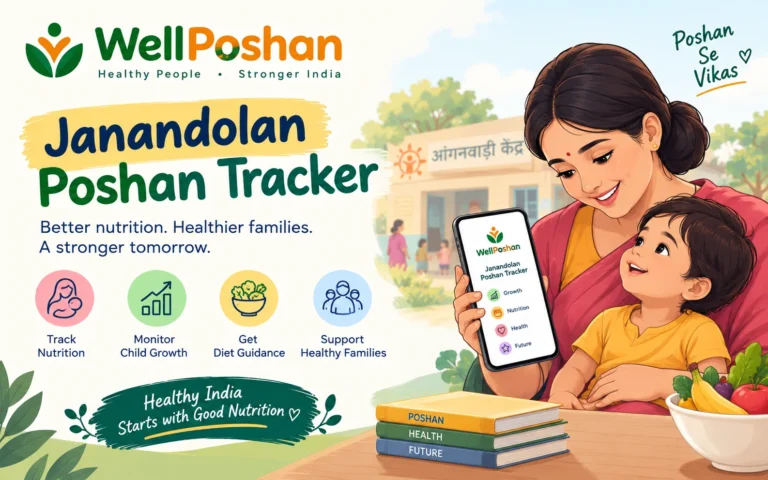
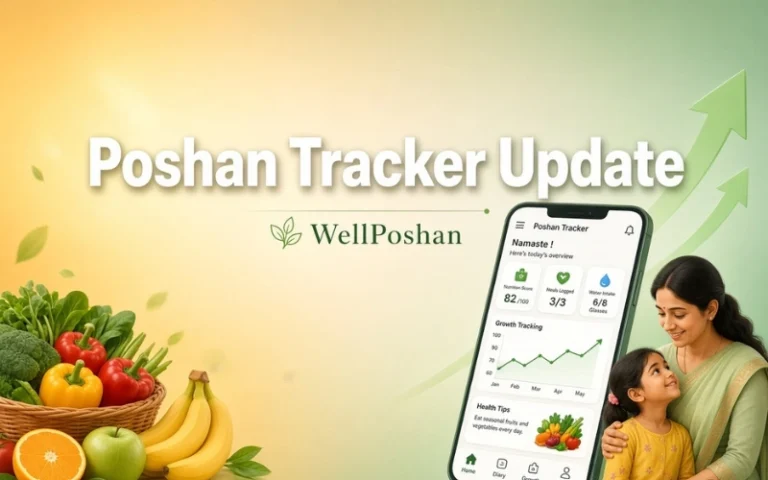
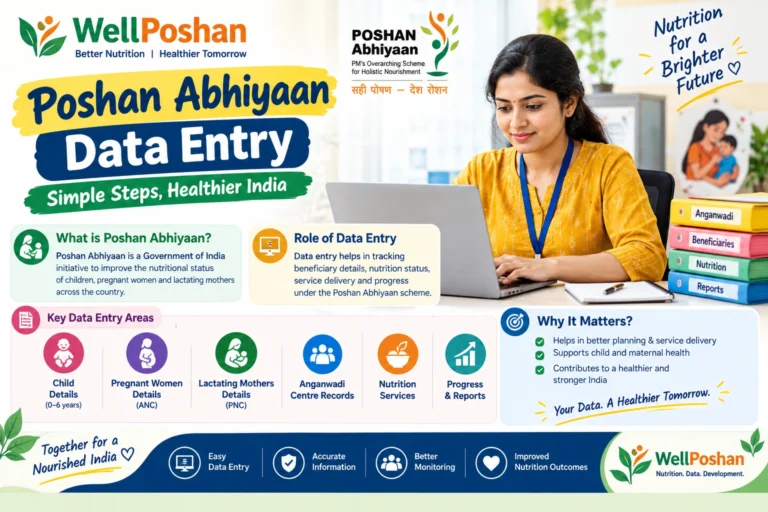
TL;DR: The Poshan Tracker App is the Indian government’s official Android app that helps Anganwadi Workers record and track nutrition, health, and growth data for children, pregnant women, and lactating mothers in real time — replacing old paper registers with one simple digital tool.
Quick Facts: Poshan Tracker App at a Glance
Before we go deep, here’s the “profile card” version — everything you’d want to know in one glance.
| Detail | Information |
|---|---|
| App Name | Poshan Tracker (formerly ICDS-CAS) |
| Launched On | 1 March 2021 |
| Launched By | Ministry of Women and Child Development (MoWCD), Govt. of India |
| Built By | National e-Governance Division (NeGD) |
| Parent Scheme | POSHAN Abhiyaan → Mission Poshan 2.0 → Saksham Anganwadi |
| Who Uses It | Anganwadi Workers, Supervisors, CDPOs, and registered beneficiaries |
| Available On | Android (Google Play Store) only — no official iOS app (verify before publishing) |
| Languages Supported | Over 20, including Hindi and English |
| Reach (as reported) | Roughly 14 lakh Anganwadi Centres, 10+ crore beneficiaries registered |
| Cost | Free |
| Official Website | poshantracker.in |
Now let’s unpack every part of that table in plain, simple language — no jargon, promise.
What Is Poshan Tracker App?
So, what is Poshan Tracker App, really? Think of it as a digital diary for every Anganwadi Centre in India. Before this app existed, Anganwadi Workers wrote everything by hand — a child’s weight, a pregnant woman’s checkup, whether a family picked up their ration. That meant paperwork piled up, and it took months for anyone in Delhi to know what was actually happening on the ground.
The Poshan Tracker App fixed that. It’s a mobile app where a worker types in the details once, and it instantly shows up on a government dashboard. It tracks growth, immunization, take-home ration, hot cooked meals, and home visits — basically the entire job of an Anganwadi Centre, digitized. That’s the whole idea behind the Poshan Tracker App: real information, in real time, from the last mile of India’s nutrition mission.
Poshan Tracker App Was Launched by Which Ministry?
This is one of the most searched questions about it, so let’s answer it directly: the Poshan Tracker App was launched by the Ministry of Women and Child Development (MoWCD), Government of India, rolled out on 1st March 2021 and built by the National e-Governance Division. It currently sits under Union Cabinet Minister Annpurna Devi, with Savitri Thakur as Minister of State — though day-to-day, it’s run by state ICDS (Integrated Child Development Services) departments.
Which “Family” of Schemes Does It Belong To?
An app doesn’t spring up alone — it’s built to serve a bigger mission. Here’s the family tree:
| Level | Name | What It Does |
|---|---|---|
| Umbrella Mission | POSHAN Abhiyaan (National Nutrition Mission) | India-wide push to cut malnutrition, stunting, and anaemia |
| Current Phase | Mission Poshan 2.0 / Saksham Anganwadi | Upgrades Anganwadi Centres and strengthens service delivery |
| Digital Backbone | Poshan Tracker App | Collects and reports the real-time data that powers the mission |
So when someone asks “what is the Poshan Tracker App,” the short version is: it’s the tech engine inside a much bigger nutrition mission.
The App’s Growth Journey — From Paper to Poshan Tracker 2.0
The app didn’t appear overnight. It grew out of an earlier system called ICDS-CAS (Common Application Software), which the government rebuilt and relaunched as Poshan Tracker in 2021 with a cleaner design and sharper focus on real-time dashboards. Since then, it has gone through dozens of version updates — recent releases have added features like e-KYC and photo-based verification during ration distribution, along with better tracking of failed uploads for easier troubleshooting. Each Poshan Tracker App update tends to focus on the same three things: making data entry faster for workers, reducing errors, and closing gaps that let fake or duplicate beneficiaries slip through.
Key Features of the Poshan Tracker App
Here’s the Anganwadi Poshan Tracker App broken down feature by feature:
| Feature | What It Actually Does |
|---|---|
| Beneficiary Management | Registers and tracks children (0–6 yrs), pregnant women, lactating mothers, and adolescent girls |
| Growth Monitoring | Logs height and weight, then auto-plots it on WHO growth charts |
| Poshan Calculator | Instantly flags stunting, wasting, or underweight based on the numbers entered |
| Service Tracking | Records Take Home Ration (THR), Hot Cooked Meals (HCM), and vaccinations |
| Geo-Tagging | Pins the exact location of every Anganwadi Centre on a map |
| Home Visit Alerts | Reminds workers which high-risk families need a home visit |
| Offline Mode | Lets workers save entries with no internet, then sync later |
| Dashboards & Heatmaps | Gives supervisors a state-by-state, district-by-district view |
Why Is Geo-Tagging Used in the Poshan Tracker App?
Good question, and a genuinely useful one. Geo-tagging helps the system accurately locate and monitor every Anganwadi Centre, with workers prompted to enter their centre’s location through a simple interface that a supervisor later verifies. In plain terms: it stops “ghost centres” from existing only on paper, and it confirms that a worker is actually logging data from the centre she’s assigned to, not from somewhere else. That said, several users on the Play Store have flagged that the GPS reading is occasionally inaccurate, showing a worker as a couple of kilometres away even while she’s standing inside the centre — a known glitch worth verifying against the latest release notes before you quote a fix.
How to Download Poshan Tracker App
On Android (the official way)
Open the Google Play Store, search “Poshan Tracker,” confirm the publisher is the National eGovernance Division / Ministry of Women and Child Development, and tap Install.
Poshan Tracker App Download APK
Third-party sites offer the Poshan Tracker App APK for manual installation, but the government itself advises sticking to the Play Store — sideloaded APKs from unverified sites carry real security risk, especially for an app handling government and beneficiary data.
How to Download Poshan Tracker App in iPhone
Here’s the honest answer — as of now there is no official iOS release. If you’re on an iPhone, you cannot install the genuine Poshan Tracker App; Android remains the only supported platform (worth reconfirming on the App Store before publishing, in case this has changed).
Poshan Tracker App Download for PC / Windows 11 / Laptop
There’s no native Windows version either. Two options work in practice:
For data entry work: use the official web portal at poshantracker.in from any browser — this is the government-sanctioned way to work from a laptop.
For the mobile app itself: run it through an Android emulator such as BlueStacks, GameLoop, or MEmu, which installs the Play Store version inside a virtual Android environment on your PC.
How to Install Poshan Tracker App
- Download it only from the Play Store.
- Tap Install and wait for it to finish (it’s a fairly large file, so make sure you have free storage).
- Open the app and allow the permissions it asks for — location (for geo-tagging) and camera (for photo verification) are essential, not optional extras.
- Register or log in with your assigned credentials.
How to Install Poshan Tracker App in Laptop
Same idea as installing it for PC: install an Android emulator (BlueStacks is the most common), sign in with a Google account inside the emulator, search for Poshan Tracker in its built-in app store, and install exactly as you would on a phone. For actual departmental work, though, most supervisors find the web portal faster than running an emulator.
How to Open Poshan Tracker App & Log In
Depending on who you are, the login path is different:
Beneficiaries
Enter your registered mobile number, get an OTP, and you’re in — no password needed.
Anganwadi Workers / Supervisors / CDPOs
Log in with the department credentials issued to you (usually set up by your block or district office), then approve any location or notification permissions the app requests.
If you can’t log in, the most common reason is simple: your mobile number or staff ID hasn’t been registered yet in the system by your supervisor.
Poshan Tracker App Calculator, Explained
The built-in Poshan Calculator takes a child’s age, height, and weight and instantly compares it against WHO growth standards. It flags whether a child falls into a healthy range or shows signs of stunting, wasting, or being underweight — turning a manual, error-prone calculation that used to take a health worker several minutes into a two-second lookup.
How to Update Poshan Tracker App
Open the Google Play Store, tap your profile icon, go to “Manage apps & device,” and update Poshan Tracker if a new version is listed — or simply enable auto-updates so you never fall behind. Skipping a Poshan Tracker App update is one of the most common causes of “app not compatible” or crash-on-launch errors reported by workers.
How to Delete Beneficiary in Poshan Tracker App
This one trips people up because there usually isn’t a simple “delete” button. In most versions, a worker cannot outright erase a beneficiary’s record — instead, the correct process is to use the “Migrate Out” option, which marks that beneficiary as no longer active at your centre (for example, if a family has moved away or a duplicate entry was created). For anything the Migrate Out option doesn’t cover, the standard advice across official guidance is to escalate it to your supervisor, who can correct or deactivate the record from the backend.
Poshan Tracker App New Version — What’s Changing
Version numbers move quickly and aren’t always publicly dated in one place, so treat any specific build number as something to double-check on the Play Store before you publish it. What we can say with more confidence: recent updates have prioritized e-KYC and face-verification during ration distribution, along with more detailed failure logs so glitches are easier to diagnose. The general direction of every Poshan Tracker App update has been the same — fewer manual steps for workers, tighter fraud checks, and better offline reliability.
Awards & Recognition
The Poshan Tracker App isn’t just functional — it’s been formally recognized:
Its Current Position — Impact by the Numbers
| Metric | Reported Figure |
|---|---|
| Anganwadi Centres onboarded | Around 13,96,946 centres |
| Beneficiaries registered | Roughly 10.12 crore |
| Languages available | Up to 24, per official government listings |
| Budget behind the mission (FY 2026-27) | Rs. 28,183.06 crore for the Ministry of WCD, a 15.6% rise over the previous year |
(These are the most recent figures we could verify; nutrition-mission numbers are updated periodically, so cross-check against wcd.gov.in for the latest count before quoting them elsewhere.)
Poshan Tracker App vs. the Old Paper Register
| Criteria | Paper Register (Old Way) | Poshan Tracker App (Now) |
|---|---|---|
| Speed of reporting | Weeks to months | Real time |
| Error rate | High (manual math, illegible entries) | Lower (auto-calculated, validated) |
| Central visibility | Almost none | Live dashboards for every state |
| Duplicate/fake entries | Hard to catch | Geo-tagging + e-KYC reduce this |
| Worker’s daily effort | Heavy paperwork | One-time app entry |
Common Problems & Quick Fixes
Mini Glossary
How We Researched This Guide
This article was compiled by cross-checking official government sources (wcd.gov.in, digitalindia.gov.in, dic.gov.in, pib.gov.in) against independent reporting and the app’s own Play Store listing, rather than relying on any single source. Figures that come from a single or unofficial source are flagged above for independent verification — always a smart habit for anything tied to a government scheme, since numbers and versions update often.
Disclaimer
Conclusion
The Poshan Tracker App is, at its heart, a simple idea done at massive scale: replace slow paperwork with a phone-based tool that tells the government, in real time, whether a child in a remote village is getting the nutrition they need. It’s used across roughly 14 lakh Anganwadi Centres, has earned a Prime Minister’s Award for innovation, and keeps evolving with every new version. Whether you’re an Anganwadi Worker figuring out how to use the Poshan Tracker App, a supervisor managing a district, or just someone curious about how India tracks child nutrition digitally — this app is quietly one of the more consequential pieces of GovTech in the country.
FAQs
1. What is Poshan Tracker App?
It’s an official Android app from the Ministry of Women and Child Development that lets Anganwadi Workers record and track nutrition and health data for children, pregnant women, and lactating mothers in real time.
2. Poshan Tracker App was launched by which ministry?
The Ministry of Women and Child Development (MoWCD), Government of India, on 1 March 2021.
3. How do I download the Poshan Tracker App?
Search “Poshan Tracker” on the Google Play Store and install it directly — that’s the safest and officially recommended route.
4. Can I use the Poshan Tracker App on iPhone or PC?
There’s no official iOS app. For a laptop or PC, use the web portal at poshantracker.in, or run the Android app through an emulator like BlueStacks.
5. Why is geo-tagging used in the Poshan Tracker App?
It confirms the real location of each Anganwadi Centre and verifies that workers are logging data on-site, helping prevent fake or duplicate centre entries.
6. How do I delete a beneficiary in the Poshan Tracker App?
Most versions don’t offer a direct delete — use the “Migrate Out” option to mark the record inactive, or ask your supervisor to remove it from the backend.
7. How often does the Poshan Tracker App get updated?
Fairly often — updates typically improve verification (like e-KYC), fix bugs, and refine offline syncing. Enable auto-updates on the Play Store to stay current.
Thank you For Reading!
Also Read –