Jan Andolan Dashboard 2026: Login, Entry & Dates
The Jan Andolan Dashboard is the official POSHAN Abhiyaan web portal (poshanabhiyaan.gov.in) where Anganwadi, block, district and state teams log nutrition-awareness activities during Poshan Maah and Poshan Pakhwada, and in 2026 it is live right now.
If someone told you to “go enter the Jan Andolan numbers,” they meant this portal. Not the Poshan Tracker app. Not a spreadsheet your supervisor emailed at 11 p.m. This one.
Here’s the good news: the Jan Andolan Dashboard is far less scary than its reputation. Here’s the better news: this guide gives you the exact login steps, a copy-paste reporting workflow, the 2026 dates, and the mistakes that quietly wreck your numbers.
What Is the Jan Andolan Dashboard?
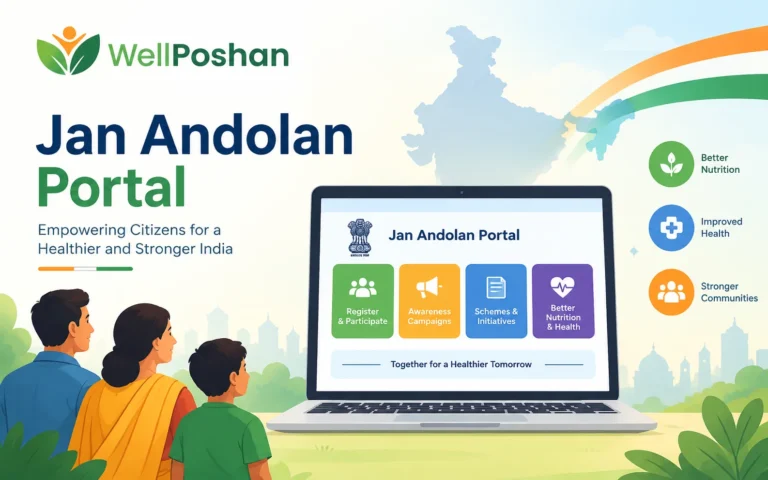
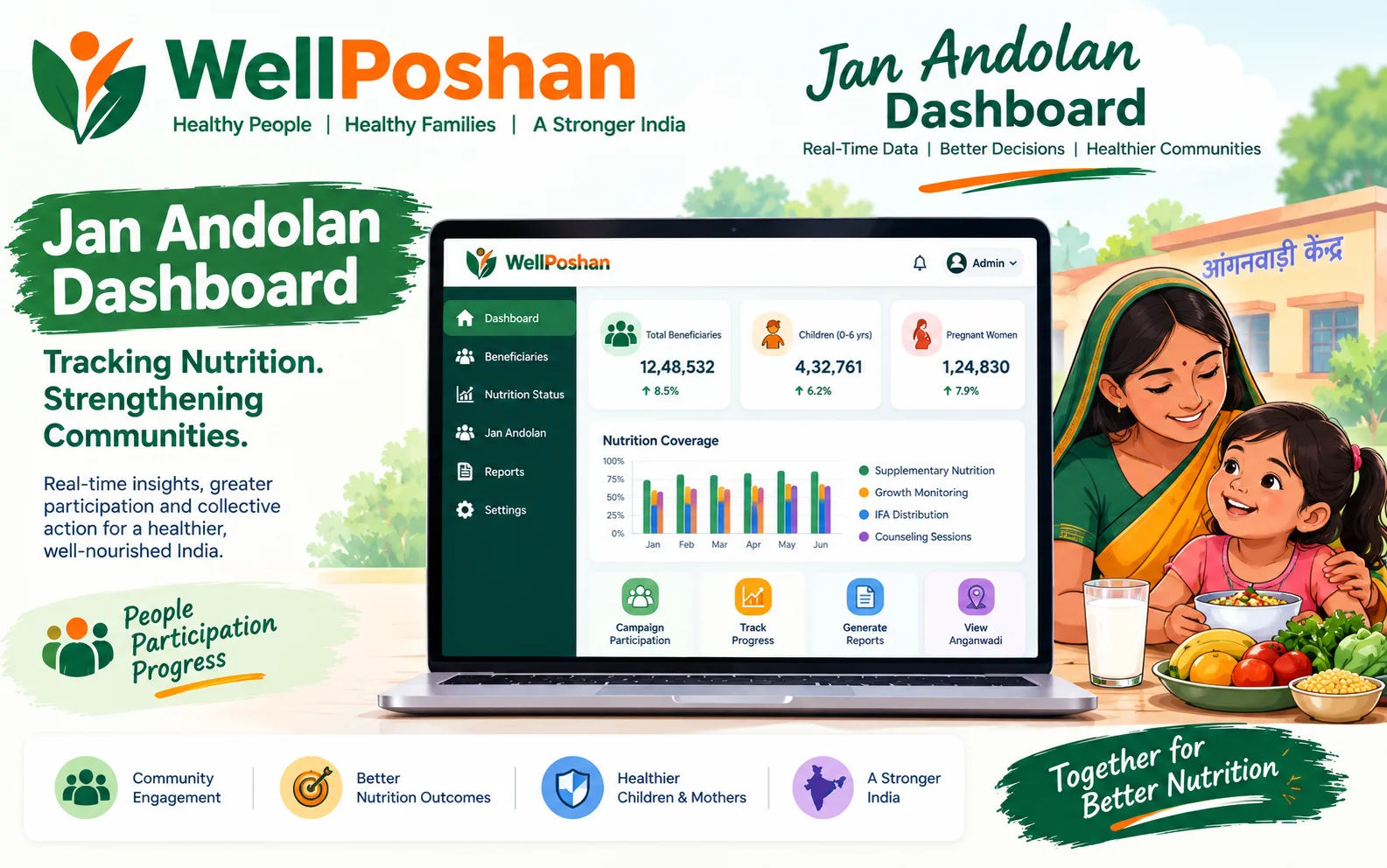
Definition: The Jan Andolan Dashboard is the online platform where activities under POSHAN Abhiyaan’s Jan Andolan (“people’s movement”) are entered, tracked and displayed. Official guidance describes it as a way to give online visibility to activities conducted at home, group and community level, plus any state-specific activity.
A few terms, so nothing in this article feels like jargon soup:
The dashboard also shows a table with a detailed overview of activities by location. That’s why one wrongly entered block name doesn’t just hurt you. It makes your whole district look quiet.
Why does this portal exist?
Because “we did a lot of events” is not a number. Before dashboards, activity reporting lived in registers and WhatsApp photos. The Poshan Jan Andolan Dashboard turns scattered effort into one searchable, location-wise record that officials can review daily during campaign season.
Jan Andolan Dashboard 2026 Date: Is It Still Open?
That’s the Jan Andolan Dashboard 2026 date story in one table. If you only act on one thing today, check your entry backlog before 8 October.
Jan Andolan Dashboard vs Poshan Tracker: Don’t Mix Them Up
This is the #1 confusion in the field. They are cousins, not twins.
The scale of the system explains why both exist. As of 31 July 2026, India’s nutrition network comprised nearly 13.99 lakh Anganwadi Centres supported by about 13.30 lakh Anganwadi workers, serving around 8.94 crore beneficiaries (figures reported by IANS from Ministry data). Paper simply can’t carry that load.
Jan Andolan Dashboard Login: 5 Steps
Official data entry guidance gives a refreshingly short path. Here’s the cleaned-up version of the Jan Andolan Dashboard login flow, including the Poshan Jan Andolan Dashboard data entry login route.
Open the portal. Go to poshanabhiyaan.gov.in on a laptop or desktop. The data entry form is designed to work on a laptop or desktop for State or Block staff.
Click “Data Entry.” It sits in the top right corner of the dashboard page.
Enter your username and password. Accounts are issued by level: guidance notes mention accounts created for 17 central ministries and 14 departments at State, District and Block levels.
Select your jurisdiction/location. Your account is tied to your administrative level, so you can only enter data for your own area.
Open the entry form and start logging activities.
Jan Andolan Dashboard Login Not Working? Quick Fixes
Jan Andolan Dashboard Data Entry: The Workflow You Can Copy
Here’s where most teams lose points. Not on effort, but on process. Use this four-beat loop, which I call the PLVR Method (Plan, Log, Verify, Report).
The PLVR Method
Pick the Jan Andolan theme your activity fits. Official guidelines list themes such as breastfeeding, complementary feeding, anaemia, antenatal checkups, growth monitoring, hygiene, immunisation and early childhood care. Match your event to one primary theme.
Write down date, location, theme and participant count in a simple sheet before you leave the venue. Memory is a terrible database.
Cross-check names, location hierarchy and participant numbers against your sheet. Ten minutes here saves ten days of corrections.
Enter it on the Jan Andolan Dashboard data entry form. One activity, one entry. No duplicates.
Copy-Paste Activity Log Template
Village / AWC:
Block / District:
Theme (primary):
Activity type (rally / demo / meeting / school drive):
Participants (women / children / adolescents / others):
Photo or proof saved? (Y/N):
Entered on dashboard? (Y/N + date):
Print it, screenshot it, tape it inside your register. That last line, “entered on dashboard,” is the one that stops entries from slipping through the cracks.
A Simple Formula to Track Your Own Performance
Example: your block conducted 120 activities and entered 90. That’s a 75% completion rate, and a quarter of your real work is invisible. Aim for 95%+ before the campaign window closes.
Before/After: How a Block Fixed Its Dashboard Numbers
Illustrative example (a composite of common field patterns, not a named block).
The Numbers Behind the Movement
A few data points show why the dashboard matters:
- 150+ crore Jan Andolan activities have been conducted since POSHAN Abhiyaan began in 2018, through Poshan Maah, Poshan Pakhwada and other community initiatives (Ministry of Women and Child Development, 2026).
- 6 crore+ activities were registered on the dashboard in just the first 12 days of the 6th Rashtriya Poshan Maah (Press Information Bureau, 2023).
- 17 ministries and 14 departments have dashboard accounts at Central, State, District and Block levels (official data entry guidance note).
- 85%+ of brain development happens by age six, which is why the 2026 Poshan Pakhwada centered on early childhood (Poshan Pakhwada 2026 campaign material).
- 8.94 crore beneficiaries served by roughly 13.99 lakh Anganwadi Centres as of 31 July 2026 (IANS, citing Ministry data).
Jan Andolan Dashboard 2025 vs 2026: What Changed?
The Poshan Jan Andolan Dashboard 2025 and 2026 workflows are largely the same at the form level. What shifts is what you’re asked to emphasise. Match your activity descriptions to the current theme and you’ll look aligned with the campaign.
7 Common Mistakes (and How to Dodge Them)
- Batch-entering at the deadline. Servers slow down, errors multiply.
- Choosing the wrong location level. A block-level event entered at village level distorts both views.
- Duplicate entries. Two people entering the same rally is how a block “conducts” 40 events in a day.
- Mixing up Poshan Tracker and the dashboard. Beneficiary data does not belong in an events form.
- Sharing one login. You lose traceability, and password resets become chaos.
- No proof saved. Photos and attendance sheets are your safety net during audits.
- Ignoring the theme. Vague, theme-less entries are hard to analyse and easy to overlook.
Quick Checklist Before You Hit Submit
Conclusion
The Jan Andolan Dashboard isn’t magic. It’s a mirror: it shows exactly as much effort as you record. In 2026, with Poshan Maah still running under the “Hamari Anganwadi, Hamari Jimmedari” theme, the smartest move is simple. Log daily, verify before submitting, and treat your Jan Andolan Dashboard entry like the official record it is.
Key Takeaways
Short Summary
The Jan Andolan Dashboard is the online record of India’s community nutrition movement under POSHAN Abhiyaan. This guide covered what it is, the 2026 dates, the 5-step login, a copy-ready data entry workflow, a log template, a performance formula, a before/after example, and the mistakes to avoid.
Frequently Asked Questions (FAQs)
1. What is the Jan Andolan Dashboard?
The Jan Andolan Dashboard is the official POSHAN Abhiyaan portal for entering and viewing community nutrition activities held during Poshan Maah, Poshan Pakhwada and other campaigns. It shows activity data by location and theme.
2. How do I do the Jan Andolan Dashboard login for data entry?
Visit poshanabhiyaan.gov.in on a laptop or desktop, click Data Entry at the top right, then sign in with the username and password issued for your level (Central, State, District or Block). If you’ve lost access, ask your supervising office or write to the helpdesk email listed in official guidance.
3. What is the Jan Andolan Dashboard 2026 date?
The 9th Rashtriya Poshan Maah 2026 was launched on 9 September 2026 and reported to run until 8 October 2026. Poshan Pakhwada took place earlier, in April 2026. Always confirm your entry deadline with your state or district circular.
4. What is the difference between the Jan Andolan Dashboard and Poshan Tracker?
The Jan Andolan Dashboard records community events and participation. Poshan Tracker is a mobile app for day-to-day Anganwadi services and beneficiary data. Events go on the dashboard; beneficiary records go on the tracker.
5. Can I correct a wrong Jan Andolan Dashboard entry?
Correction options depend on your account level and the current form permissions. Check the form first for an edit option; if none appears, raise it with your supervising office or the official helpdesk, and keep your proof (photos, attendance sheets) ready to support the change.
Thank you for reading!
Checkout Well Poshan for more such information.